
Please Note: Resetting a member who has a submitted record will DELETE the record from your dashboard.
You'll notice 2 administrator tools when you click the  Edit icon for a member:
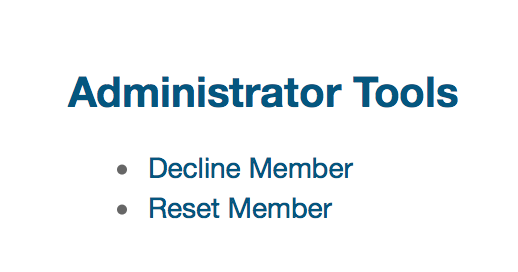
Clicking Reset Member allows you to switch a member's status back to To Be Invited status at any time.
If a member is in "Outstanding", but now wants to use a different email address to complete the record - click on Reset Member and this will revert the member back to "To Be Invited".
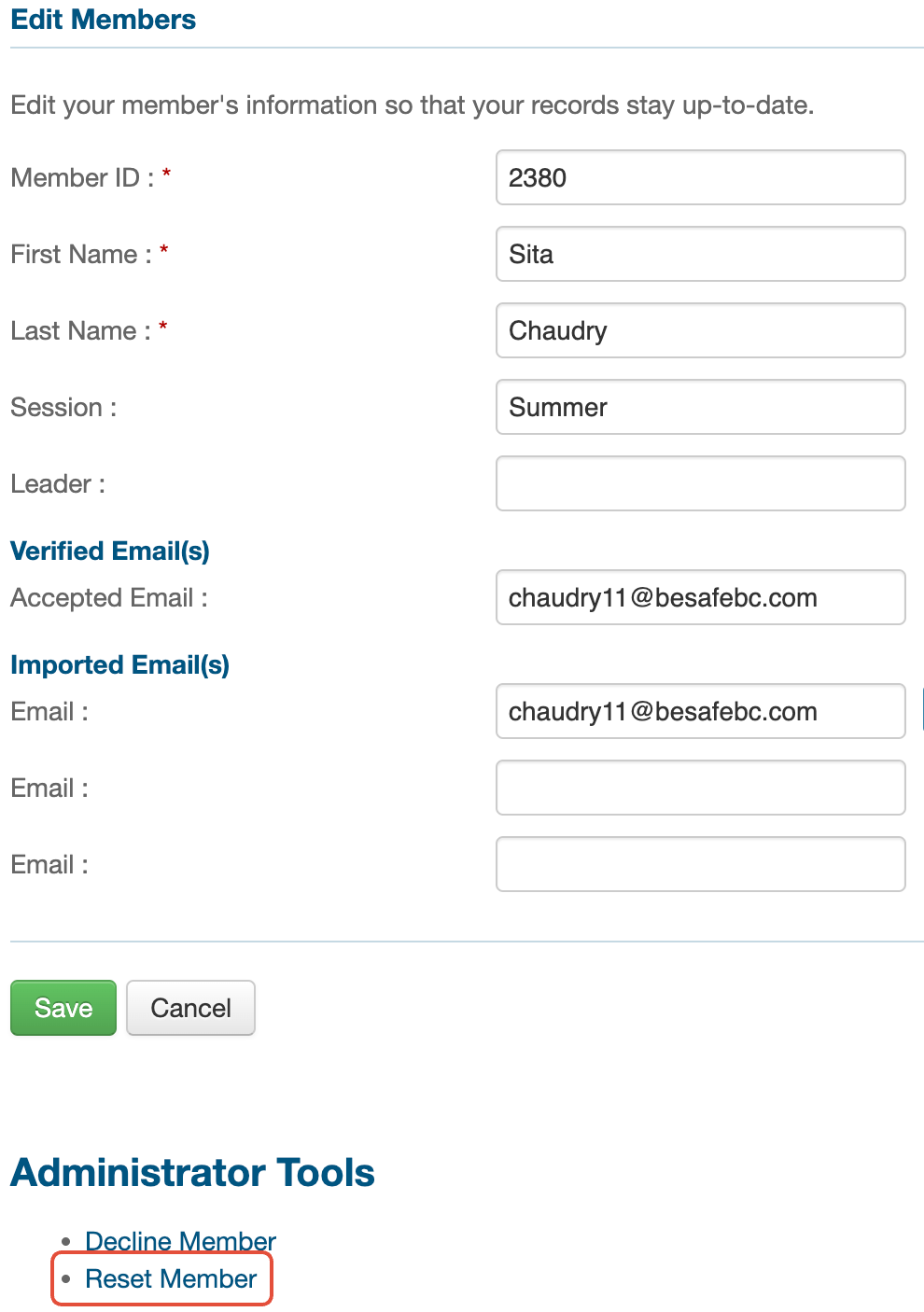
Add, edit or remove the email address that does not want to be used, click Save and then send the member a new invite.
This can be especially useful if one parent accepted the invite (so their email is listed as a Verified Email), but now wants the other parent to complete it.
Declining a Member
Decline member means the member or their parent has declined to use ePACT and you wish to stop all communications with them from ePACT. (If they submitted paper forms, but still want to receive general or emergency communications on ePACT, please denote "Using Paper Forms" instead.)
