For Org Admins:
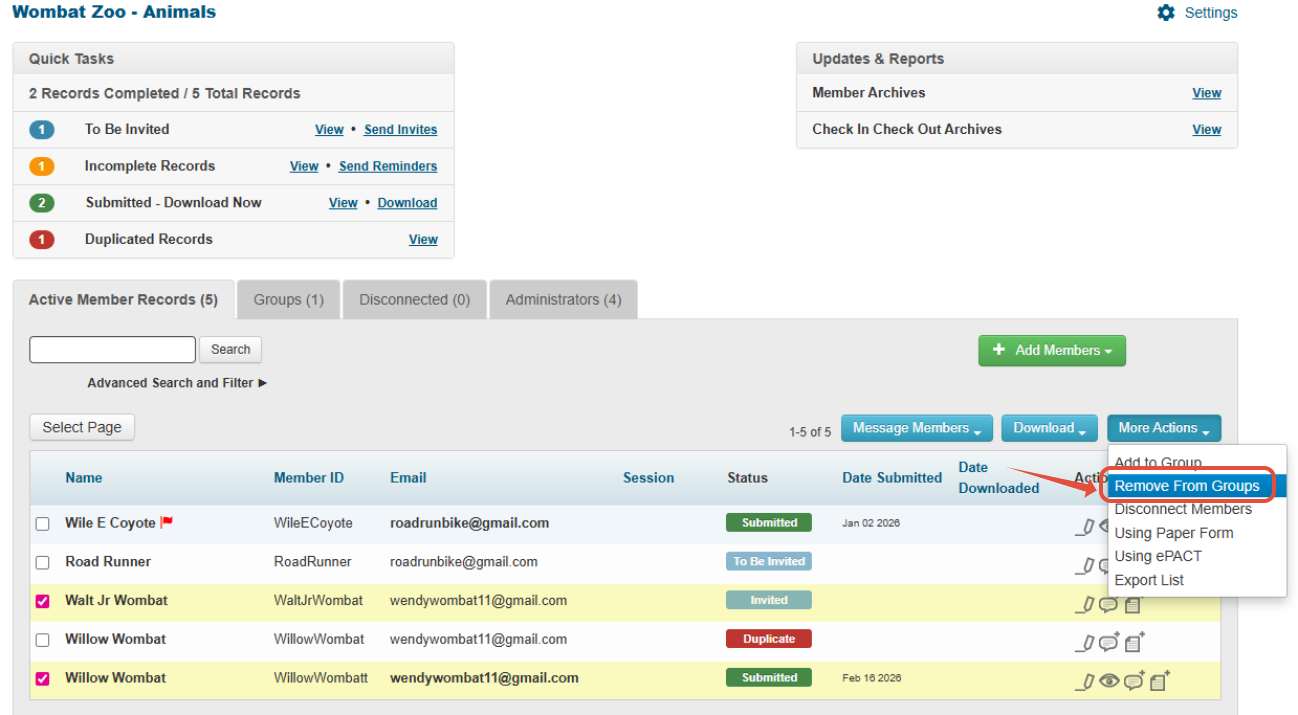
While on the Active Member Records tab, select the member or members you need to remove.
Click on More Actions > Remove from Groups.
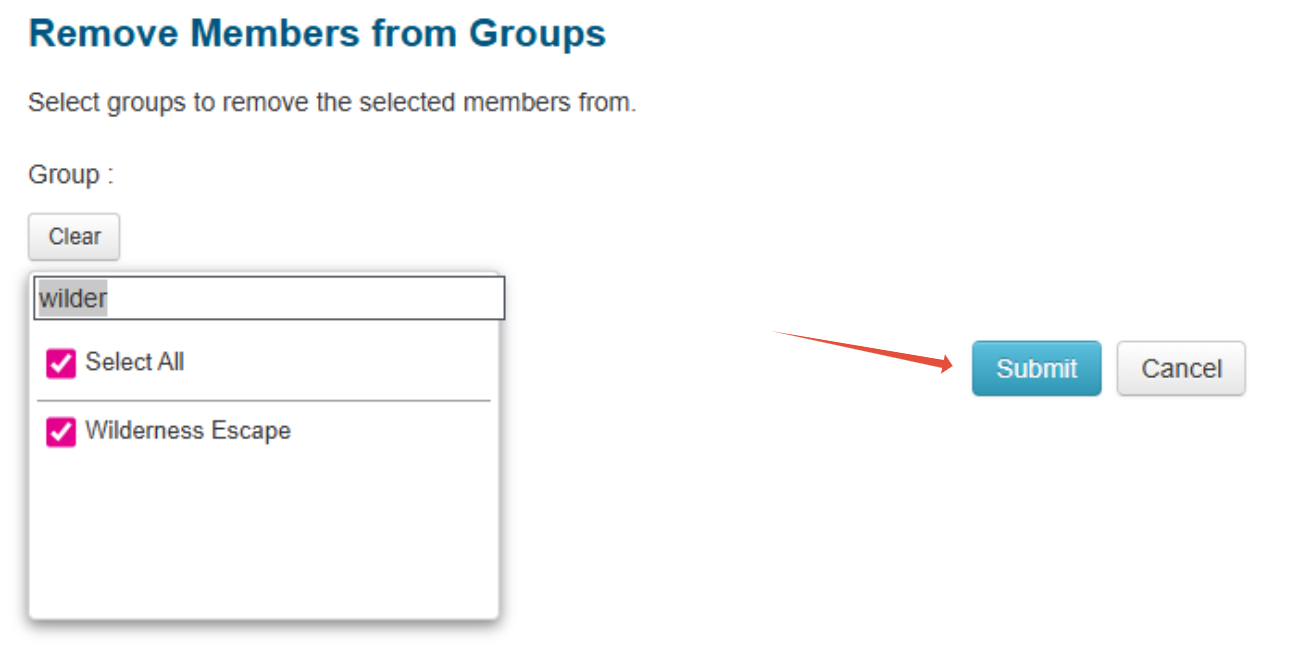
Select the correct group from which the members must be removed and click Submit. (Hint: you can search for the group name as well)
For Group Admins:
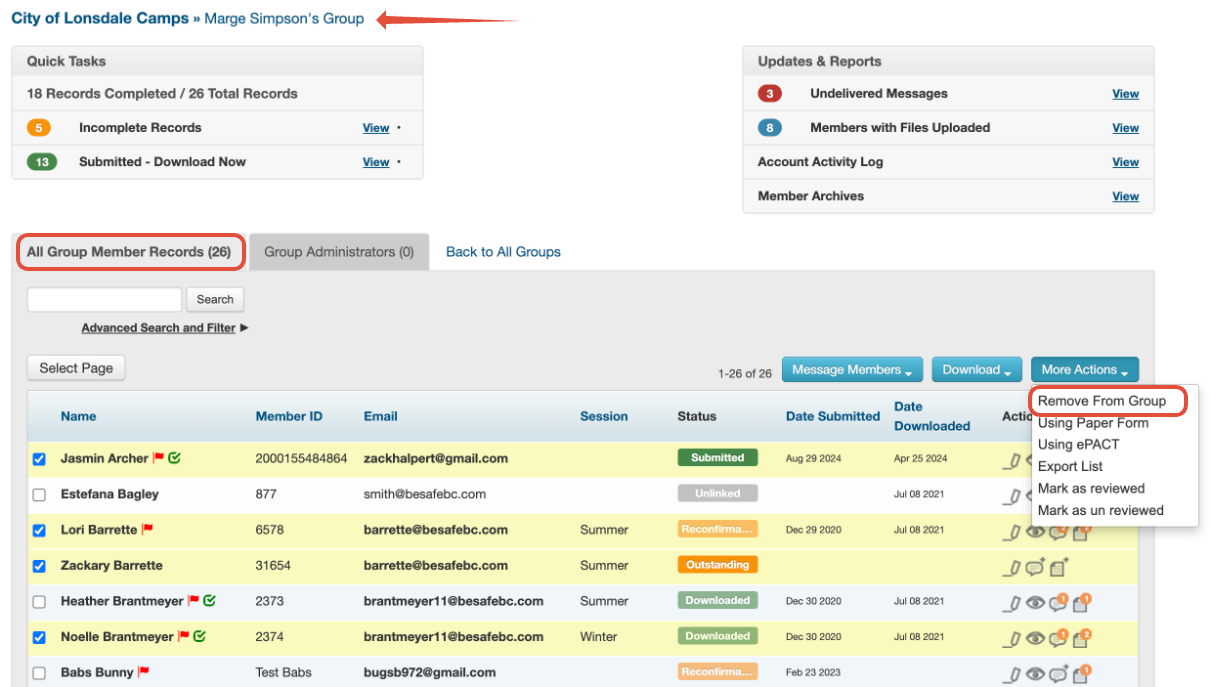
To remove a member while viewing your All Group Member Records list, please:
- Check off their name
- Click on More Actions > Remove from Group
- Click OK. (Please note that the record is not deleted from the organization, only from the group you're currently viewing.)