To edit your own information, please:
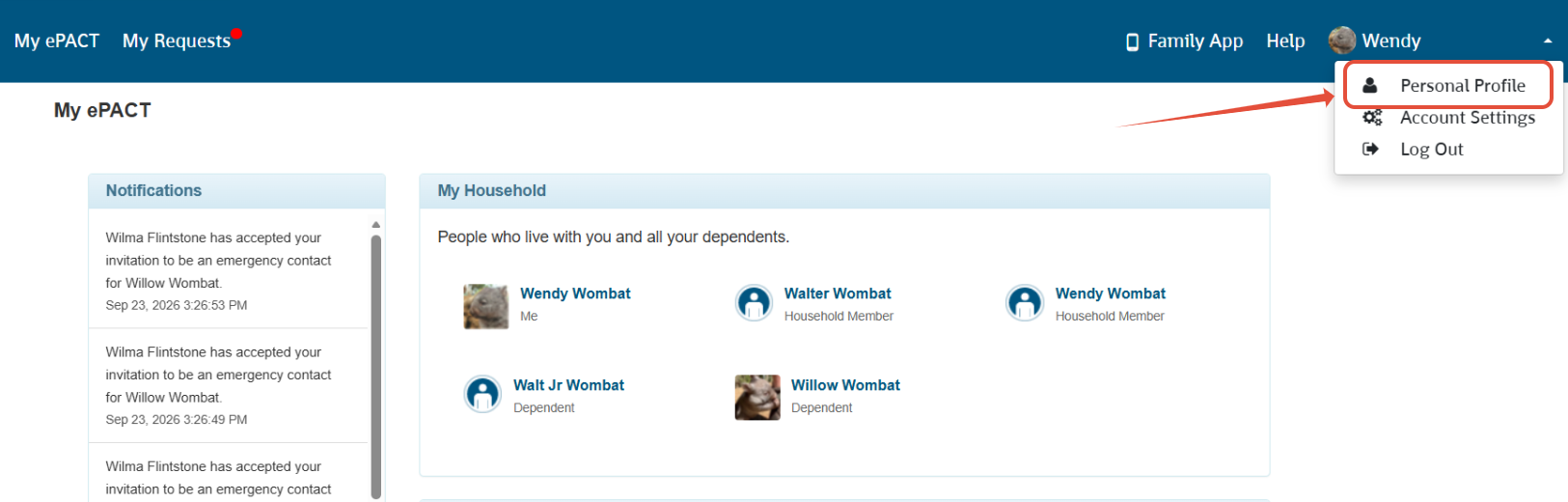
1. Click on your name in the top right hand corner and then on 'Personal Profile'.
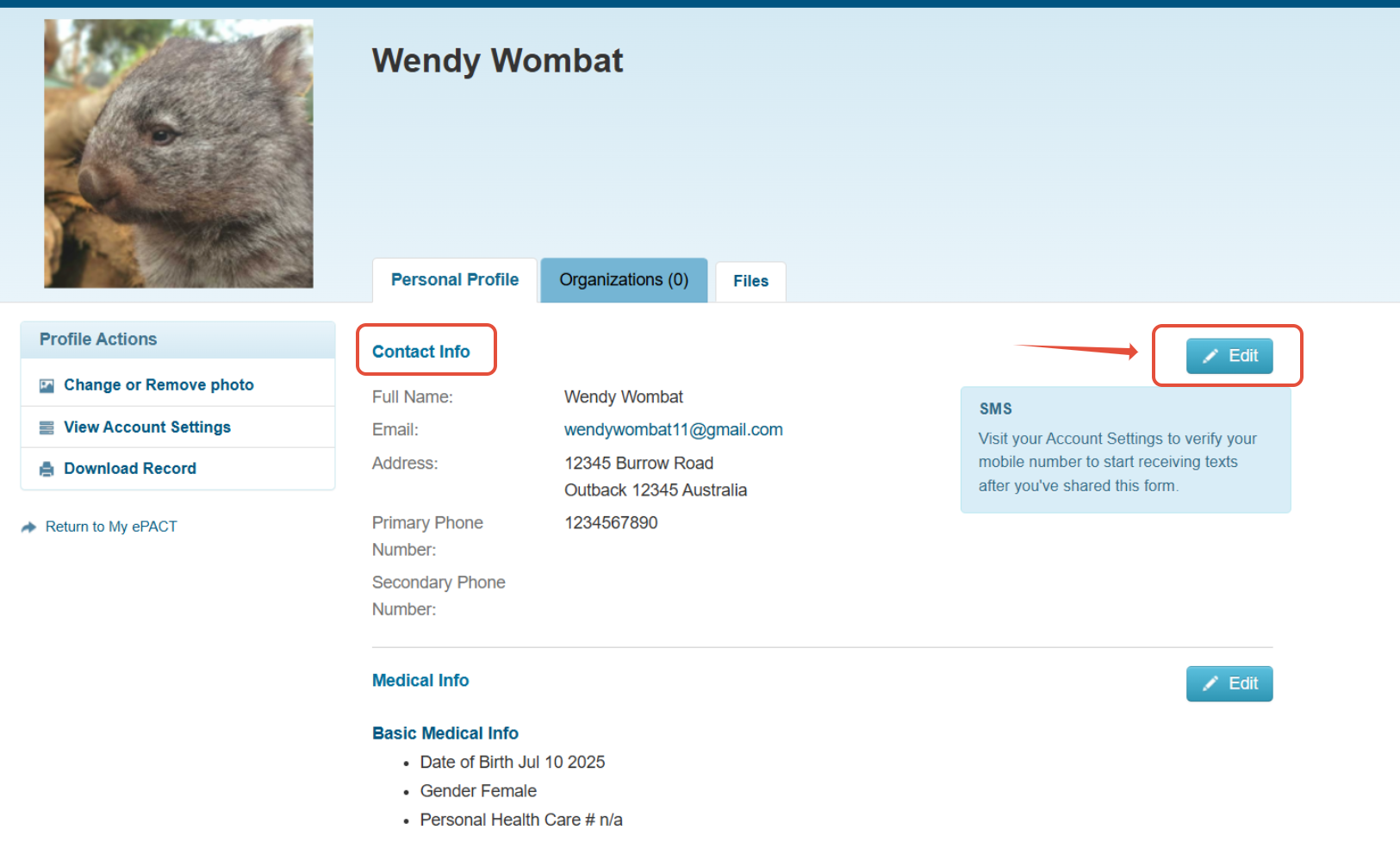
2. Find the section with the information you wish to edit, and then click the 'Edit' button on the right of that section. In this example we are editing the Contact Info:
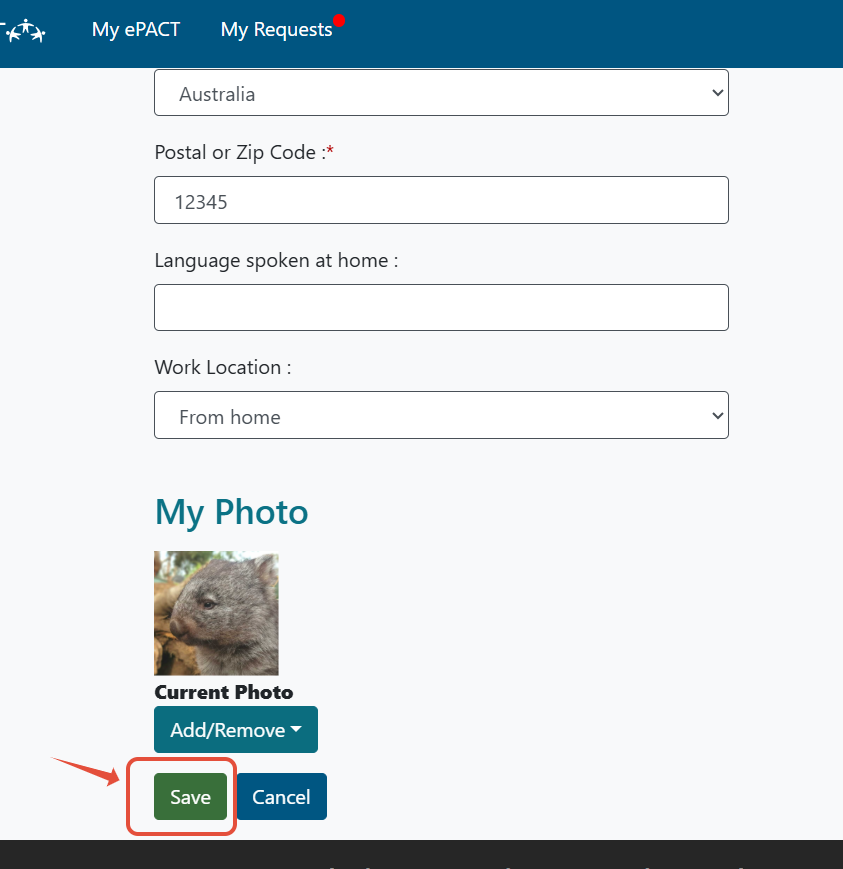
3. Edit the information you need to change and then scroll to the bottom and hit SAVE if you miss this step, your information will not be updated.